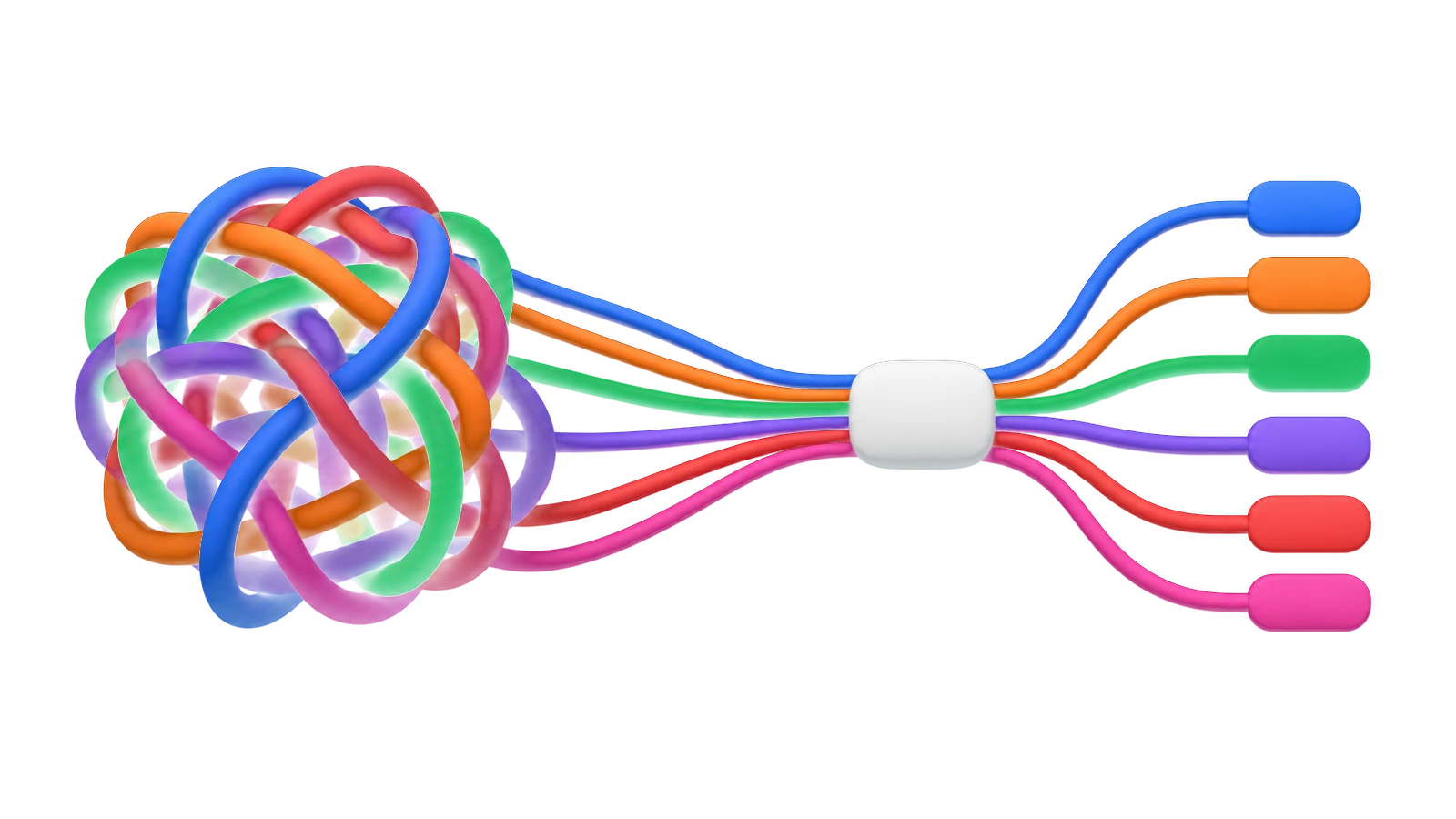
Untangle
your thinking.
Plan projects, brainstorm ideas, organize research, learn new things, or outline your next big thing.
Web & macOS · 7 days free · from $6/month
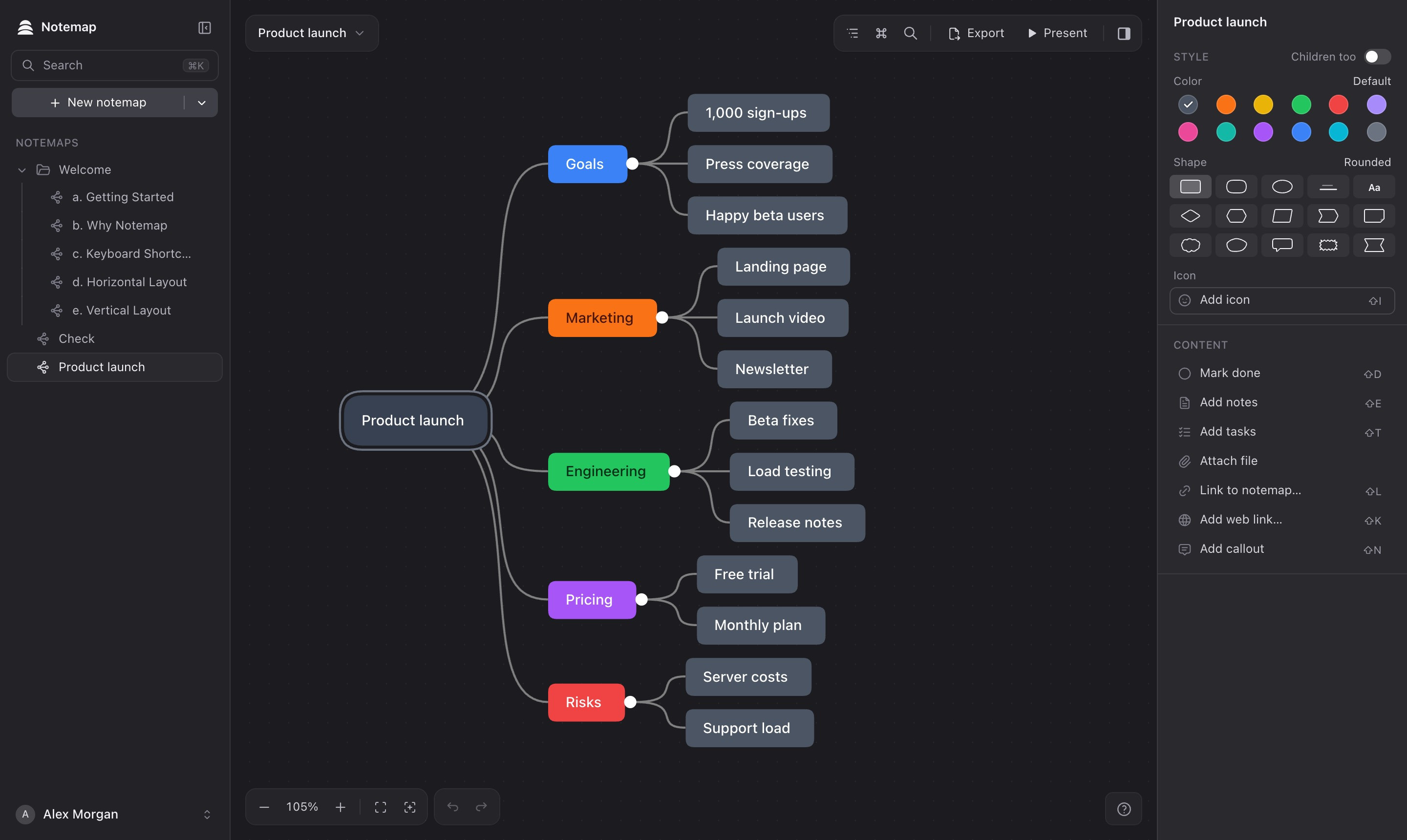

Everywhere
In your browser and on your Mac. Your notemaps sync between them.

Works offline
Maps live on your device too. Changes sync when you’re back online.

Fast & keyboard-first
Instant response. Build whole maps without touching the mouse.
What you'll get
Real outcomes, not just features

Clarity
See the big picture

Focus
Prioritize what matters

Creativity
More idea variations

Retention
Make learning stick
Built for how you think
One tool that adapts to any workflow

Founders
Plan your business

PMs
Own the roadmap

Developers
Design systems

Designers
Map user flows

Marketers
Plan campaigns

Writers
Outline stories

Researchers
Synthesize papers

Students
Connect concepts
Packed with features
Everything you need, nothing you don't

Rich Notes
Markdown supported
Task Lists
Checklists in nodes

Attachments
Images, PDFs, files
Cross-Links
Connect any nodes

Daily Notes
Capture daily thoughts
Search
Find anything fast

Keyboard-First
Full keyboard control

Command Palette
Every action on ⌘K
Sync
Web and Mac, always

Node Styles
Colors, shapes, icons

Export
PNG, PDF, MD, more

Import
Xmind, OPML, MD, TXT
16 Themes
Light, dark and between

4 Layouts
Fit your thinking

Outline View
Edit the map as a list

Folders
Organize projects

Present Mode
Share your ideas

AI Assist
Expand any branch

Focus Mode
Zoom into one branch

Drag & Drop
Reorganize intuitively
Offline
Syncs when you’re back

Full Undo
Every change, reversible
Loved by thinkers
What people are saying about Notemap
"I roll my eyes at nine out of 10 self-promoted apps in this sub, but this looks terrific. Already purchased."
Bamboodl
via Reddit
"I've been using MindNode Classic for more than a decade. When I first opened Notemap, my immediate reactions were: 1 Wow 2 It's beautiful 3 It's fast. From a UI/UX perspective, it feels very polished."
Sea_Example1548
via Reddit
"I've been using xmind but I've been bothered with it. Looks like I'll be spending the weekend migrating and organizing my files. Goodbye xmind. I'm really excited about this app!"
Frozen_Heavens
via Reddit
"This looks exactly what I've been looking for for so long, great work!"
blunds78
via Reddit
"This is amazing thank you for building something like this, it helps with some of my cognitive disabilities."
__THD__
via Reddit
"Design looks very nice and calming, and I love that AI-generating feature. Notemap is also such a great name and nice you can find the .com name for it!"
hff
via Reddit
AI expands your thinking
Stuck? AI suggests next steps, expands branches, compares alternatives, and helps you think through problems faster.
Switching from another tool?
Bring your existing work with you. Import your mind maps and start where you left off.
Your thinking is valuable. Don't start from scratch.
Simple pricing
One plan with everything. Try it free for 7 days.
Pro
$6
/month
Billed $72 yearly · save 33%
- Unlimited notemaps
- Web app and Mac app, synced
- Notes, tasks, attachments
- Cross-links & daily notes
- 16 themes, 12 shapes, 4 layouts
- All exports & present mode
7 days free, then $72/year. Cancel anytime.
Team
Custom
5+ seats, volume discounts
Get in touch for custom pricing if you need 5 or more seats for your team or organization.
Frequently asked questions
Something else? Email [email protected]
I rebuilt Notemap from scratch. The original was a Swift app for the Mac only, and keeping it in step with the web, Windows and Linux versions got too hard, so the new Notemap is one app for all of them. It’s a separate app: update the original to 1.7.9 or later first and it becomes Notemap Classic, so the two sit side by side.
The new Notemap is a subscription rather than a one-time purchase. The original was a download that lived on one Mac. The new one stores your notemaps in the cloud and keeps them in sync across the web and all your devices, and those servers cost money every month. The subscription pays for them and for ongoing work on the app.
The original is now Notemap Classic and keeps working with your lifetime license: download Classic 1.7.9 or find your license key.
Moving your notemaps over
- Install the new Notemap and sign in.
- In the sidebar, open the menu next to New notemap and choose Import.
- Pick A Mac app workspace, then your Classic folder.
Folders, attachments and links come across.
Changelog
All the latest updates, improvements and fixes to Notemap
v0.1.4Latest
- Dragging topics is much smoother on large maps
- Shortcuts like
⌘Know work while editing a topic, writing notes or in the outline - Signing out is instant, and signing out of all devices is now in Settings › Account
- Sign-in screens in the app are clearer, with a way to cancel every wait
- Fixed a deleted topic staying visible on the map until you scrolled
- Fixed switching notemaps quickly jumping back to an earlier one
- Fixed the app flashing white while it opens
- The sidebar shows the new Notemap logo
v0.1.3
- Version history: browse and restore earlier versions of any notemap
- Updates now show in the sidebar instead of over your map
v0.1.2
- Signing in from the app now asks you to confirm in your browser first
- Fixed rare cases where edits could be lost when syncing between devices or tabs
- Your latest changes are saved before the app quits or restarts to update
- Attachments and links from imported notemaps are handled more safely
Start thinking clearly
7 days free. Cancel anytime.
© 2026 Notemap